
Create stunning custom apparel with our easy-to-use online design tools
You have two options:
Supported formats: PNG, JPG, TIF, PDF, EPS, SVG, and EMB (embroidery)
Yes! Our designer has a built-in team roster feature:
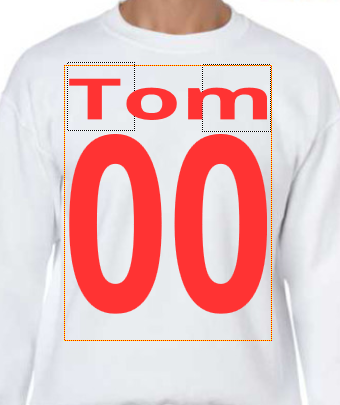
The system will automatically style them in a jersey-inspired layout!
We support a wide variety of file types:
Tip: Vector files (PDF, EPS, SVG) allow you to recolor individual elements!
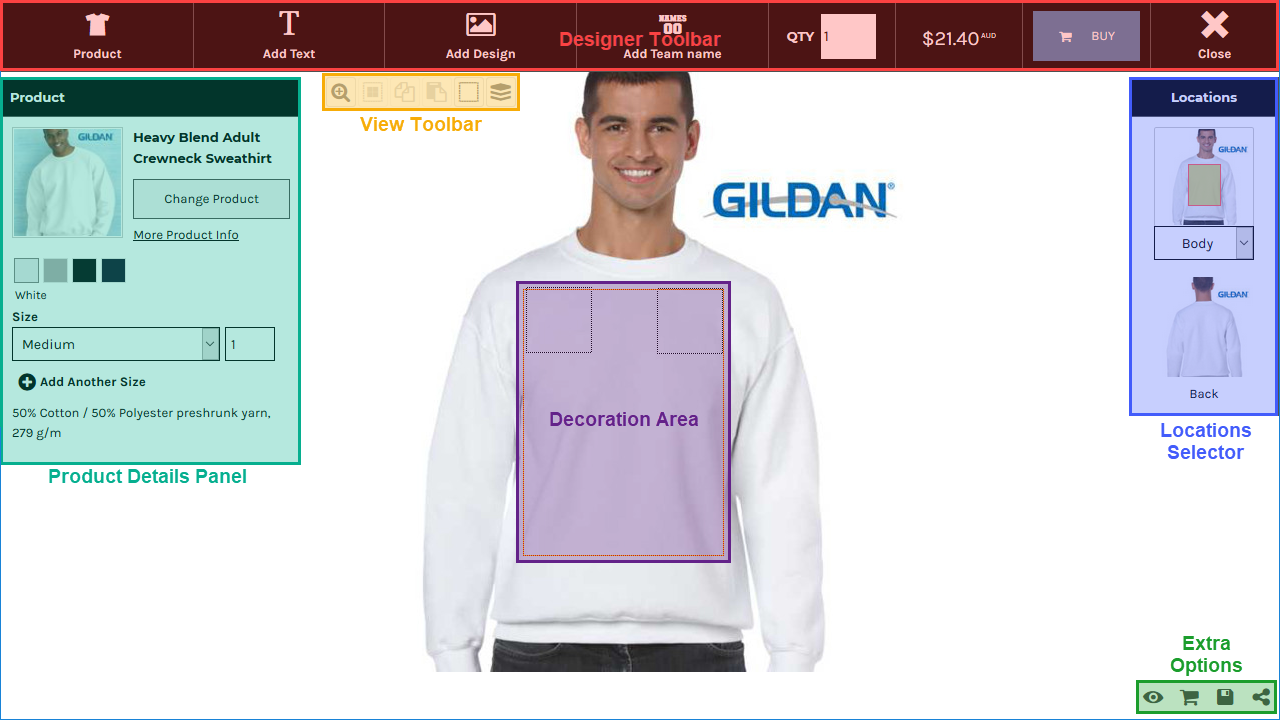
The Decoration Area (visible box on the product) defines where your design can be printed. Any elements outside this area will be cropped.
Solution: Make sure all your text and graphics are fully inside the decoration area boundary. You can resize or reposition elements to fit.
The Online Designer is a powerful tool that lets you create custom designs directly on products. Here's an overview of the main areas:
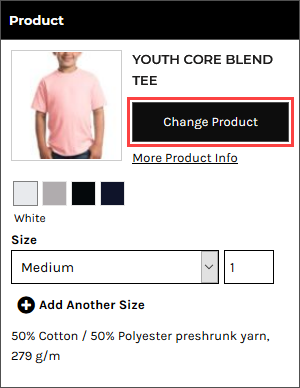
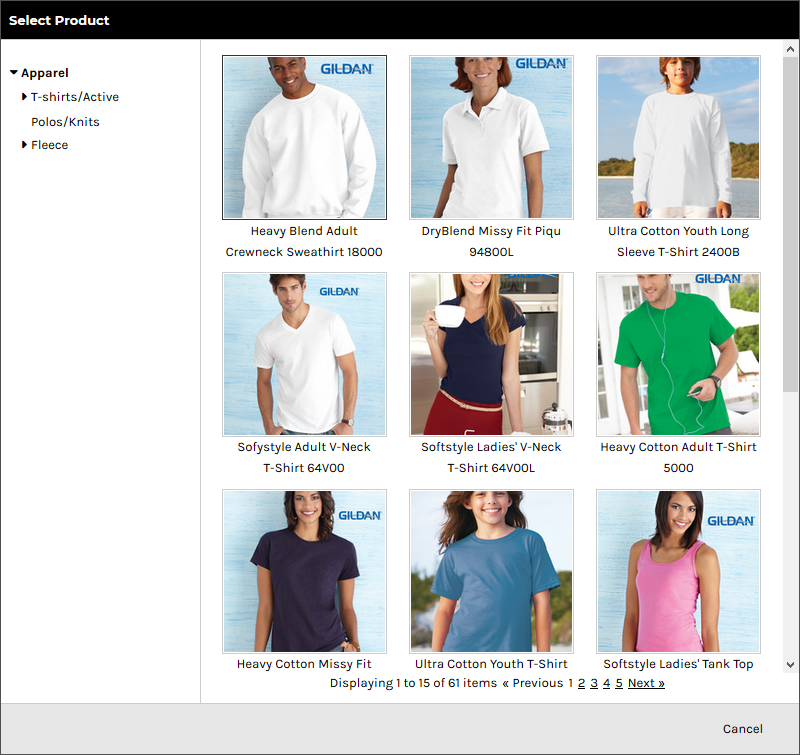
Want to try your design on a different product? Here's how:

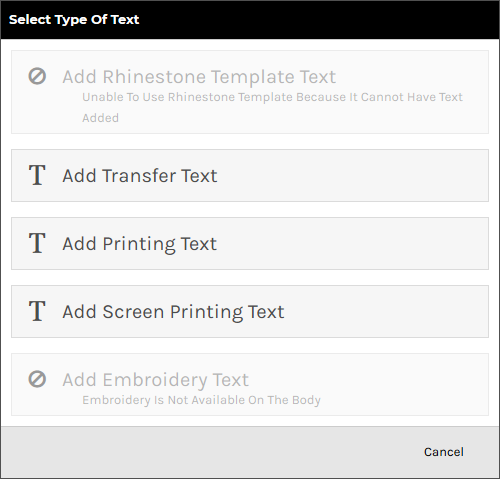
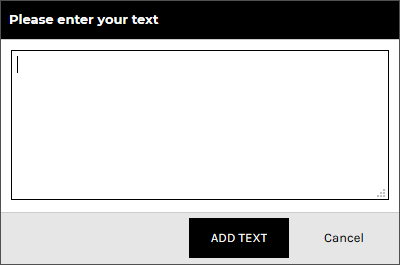
Add custom text to your design with full control over fonts, colors, and effects.

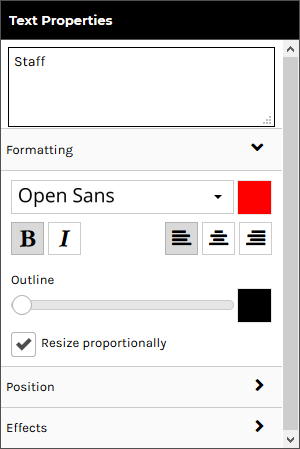
Formatting: Change font, color, bold/italic, alignment, and outlines.
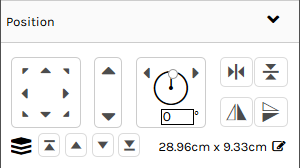
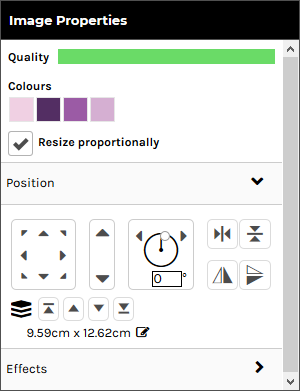
Position: Move, resize, or rotate using arrows or sliders.
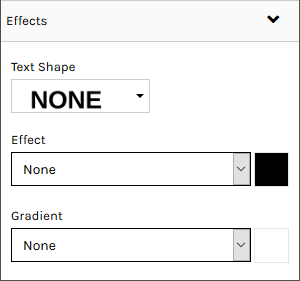
Effects (DTF only): Apply shapes (arch/wave), shadows, glows, or gradients.
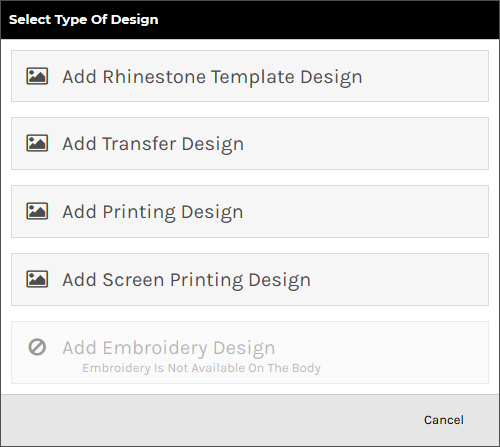
Upload your own artwork or choose from our design library.

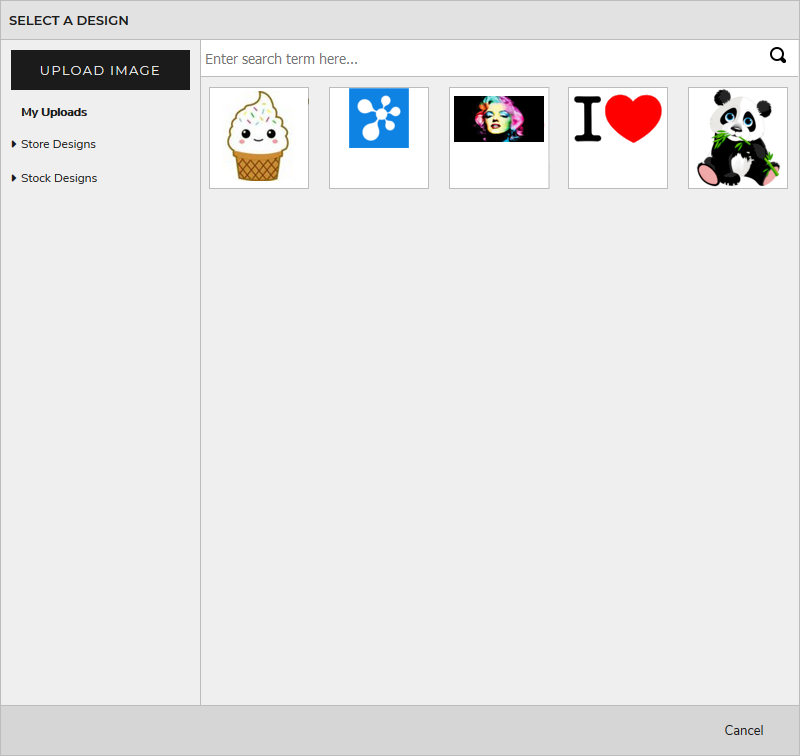
Simply drag an image file from your computer directly into the decoration area!
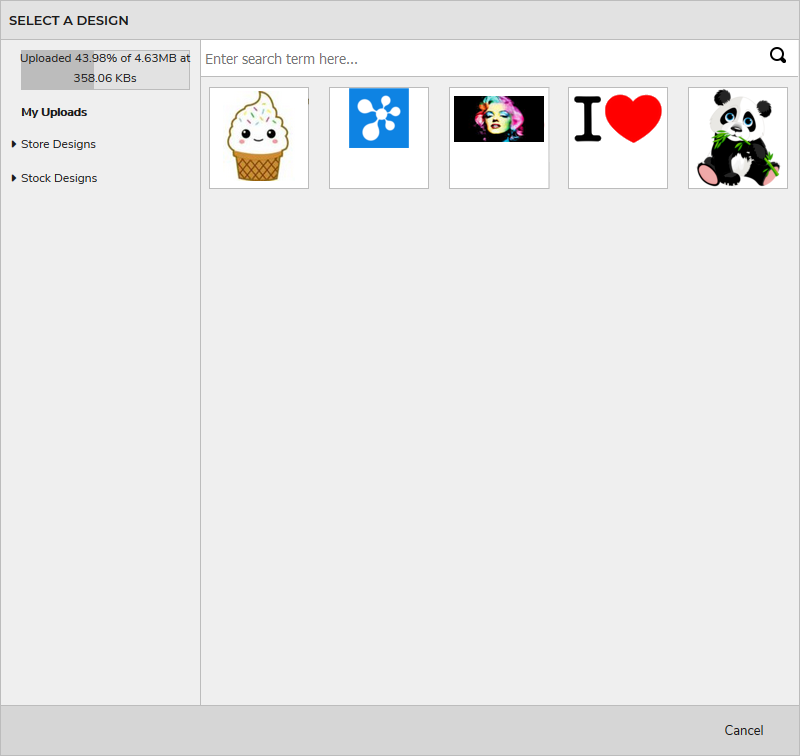
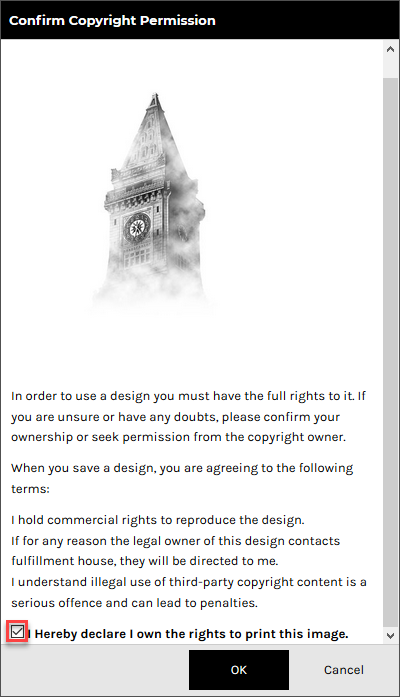
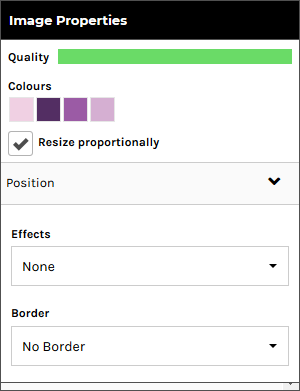
After adding a design, use the Image Properties panel to adjust size, position, and effects.
Effects Section:
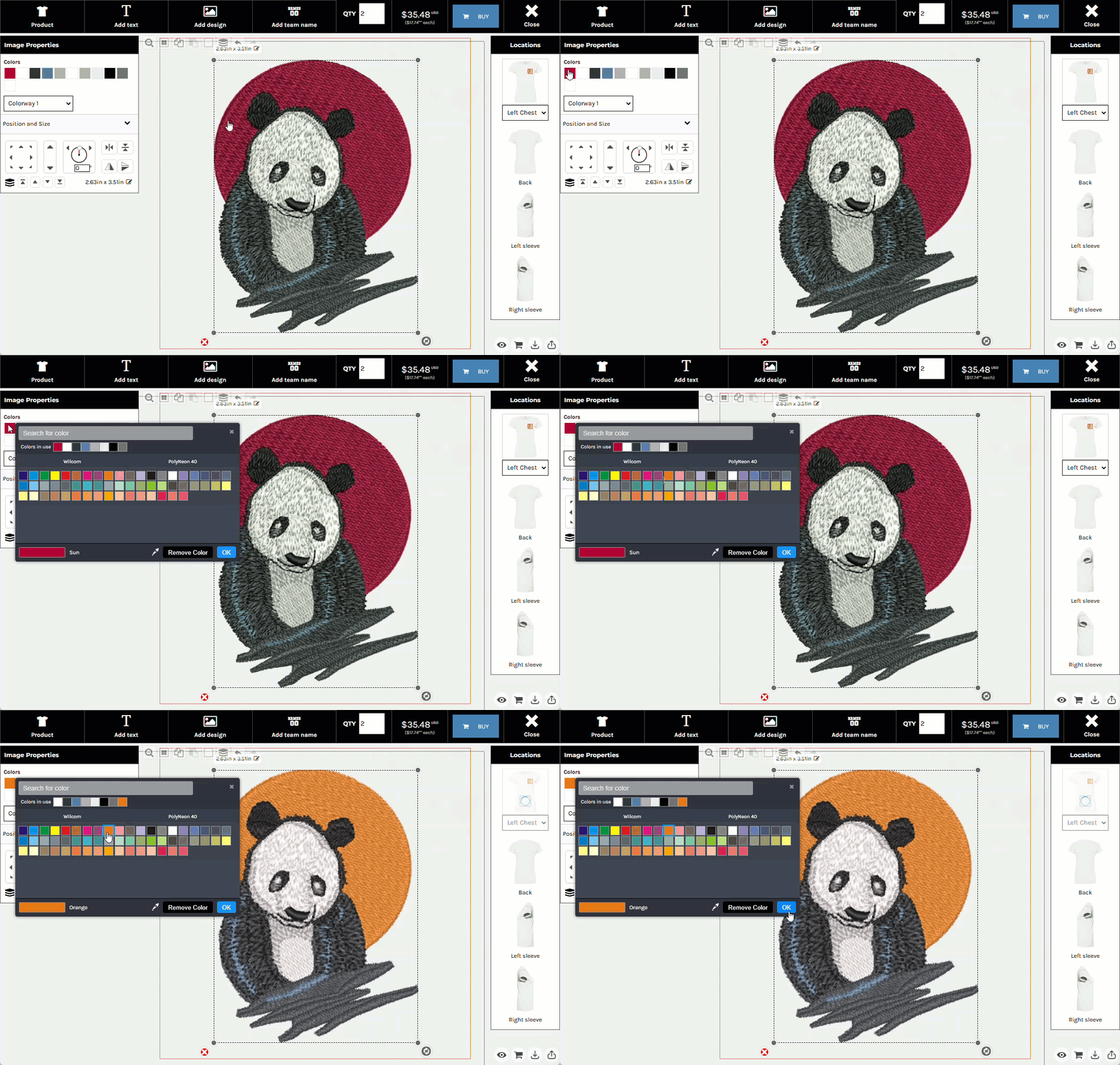
Customize the thread colors of embroidery designs to match your brand or preferences.
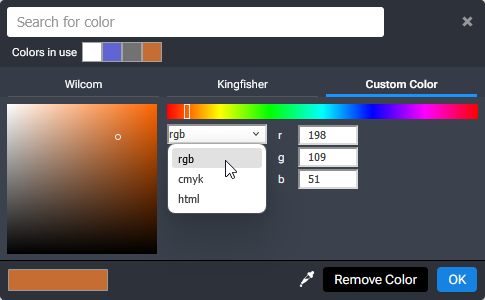
Color Modes: Choose from different color input methods (palette, RGB, CMYK, HEX).
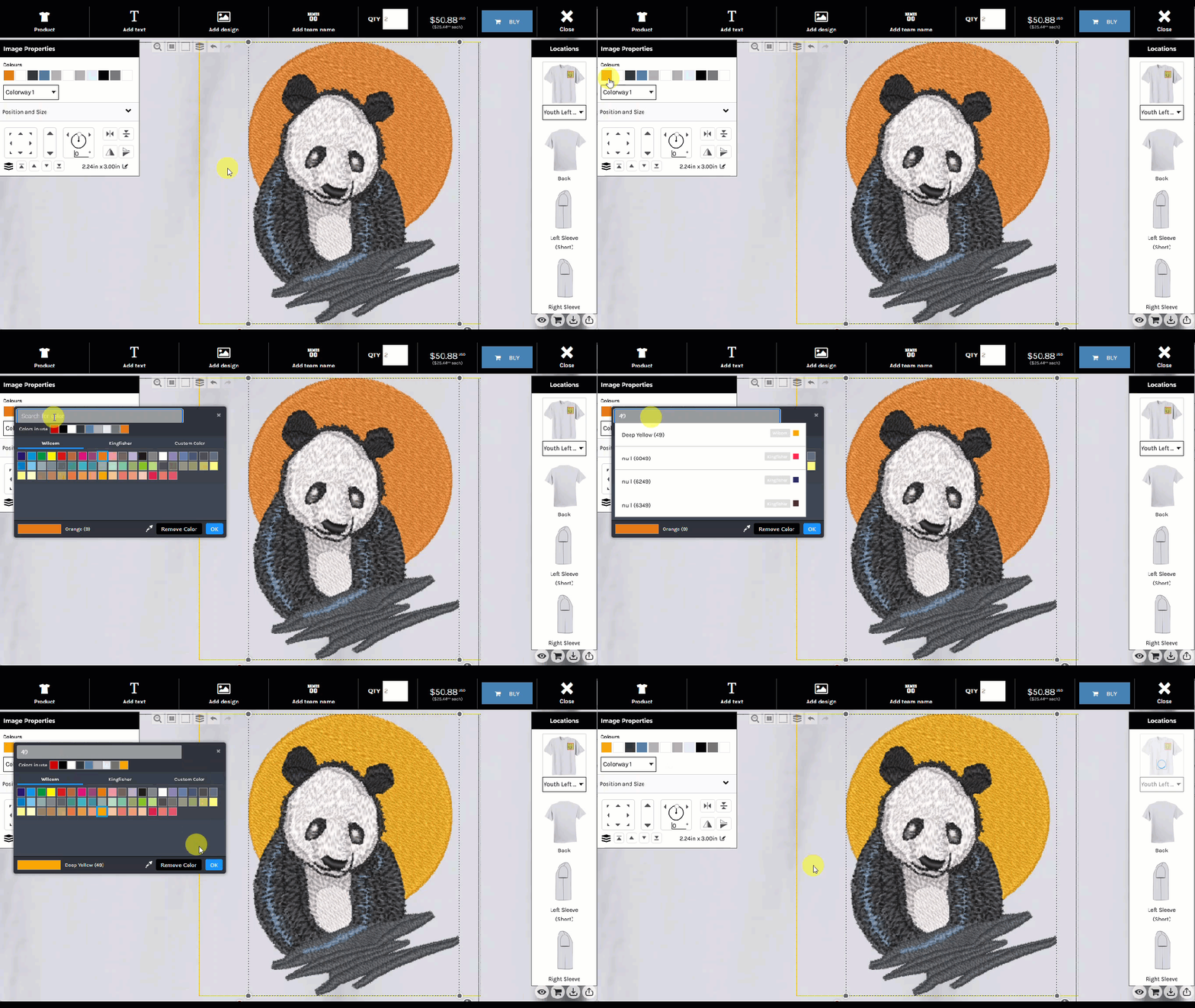
Thread Code Search: Search for specific thread brands or codes.
Perfect for sports teams, clubs, or group orders! Add personalized names and numbers for each member.

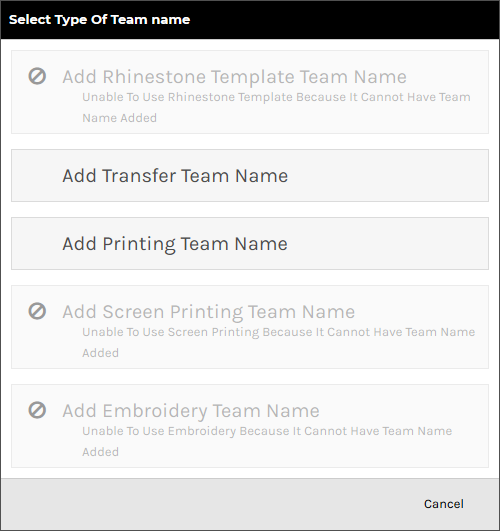
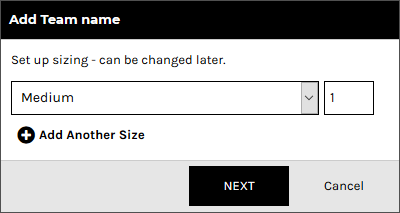
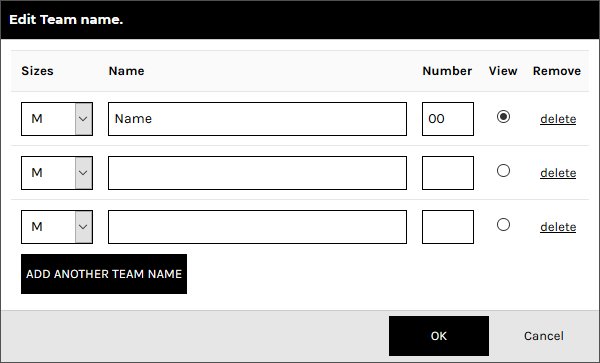
The system automatically styles the names in a jersey-inspired layout:
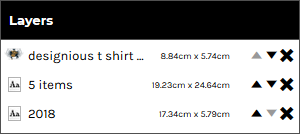
Layers control the stacking order of your design elements. Top layers cover those beneath.
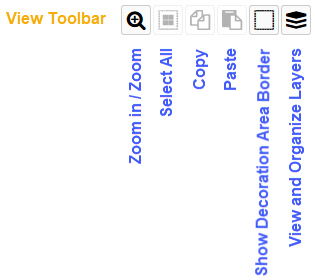
Click the "View/Organize Layers" button in the View Toolbar:

The Layers Panel shows all your design elements:
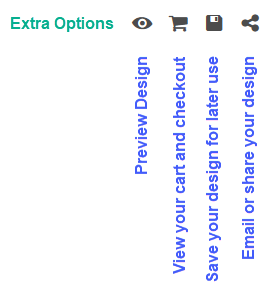
Once you're happy with your design, you have several options:
Click the Eye icon to see a clean mockup without watermarks.

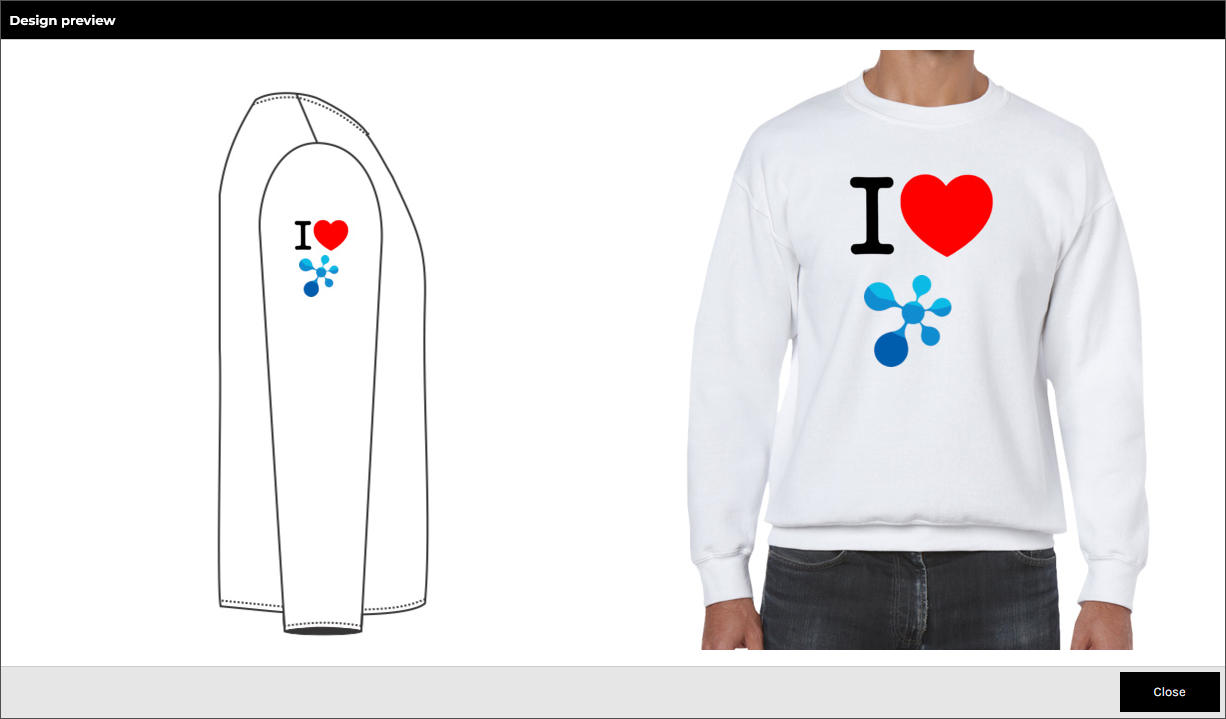
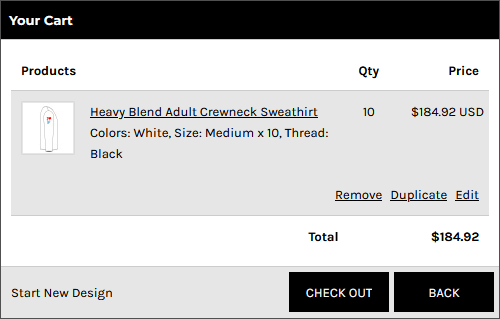
Click the Cart icon to review your order and proceed to checkout.

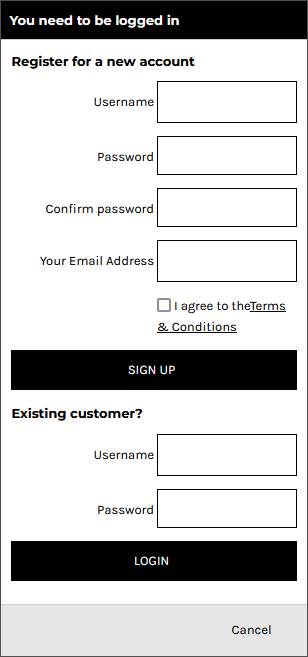
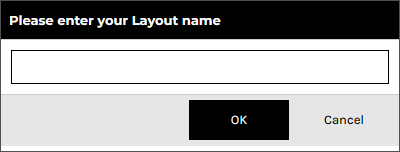
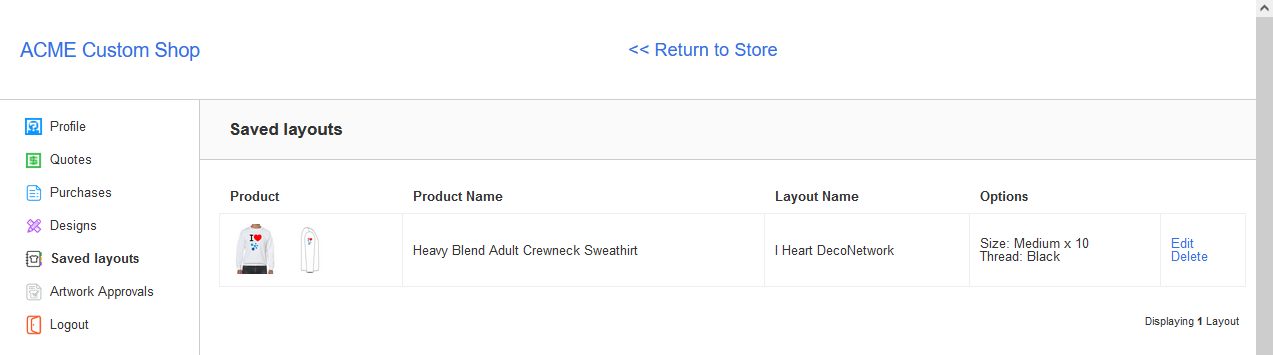
Click the Disk icon to save your design to your account.

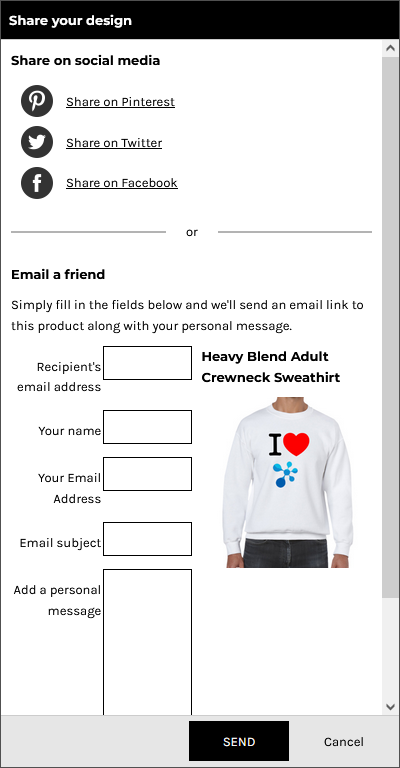
Click the Share icon to post your design on social media or email it to friends.
Start designing your custom apparel now!
Start Designing
